
Follow these steps to access a participant’s Standalone 360 Assessment results once they’ve been released.
Note: This article is for the Standalone 360 Assessment, which is used by individuals who are not participating in a Torch coaching program.
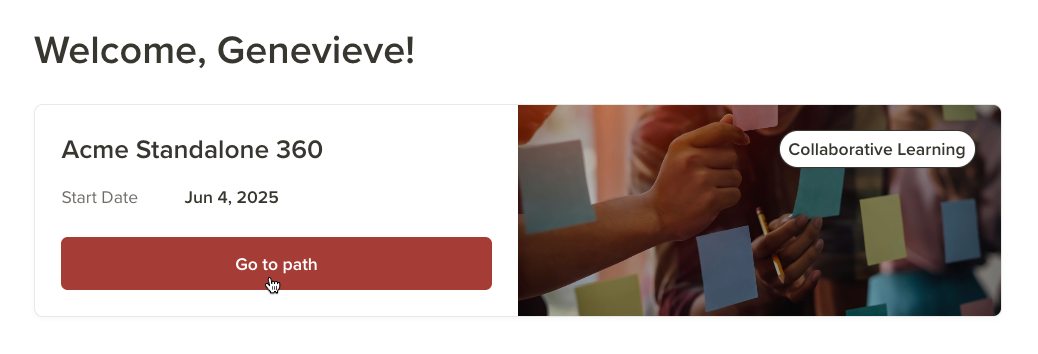
1 Go to the Standalone 360 path. First, log in to Torch. If you’re an assigned Expert for multiple Torch paths (meaning you can review, release, and access 360 Assessment results for more than one), select the tab for the path you want to access.
Then click Go to path.
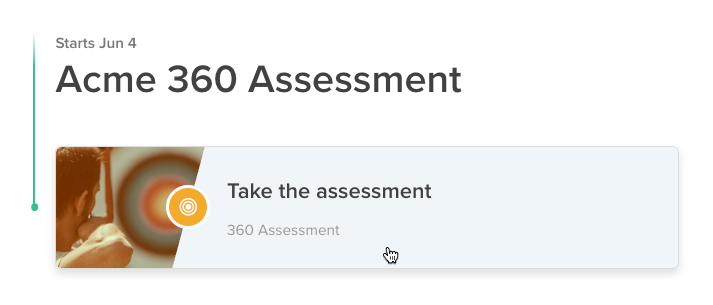
2 Open the assessment status page. From the path, click Take the assessment.
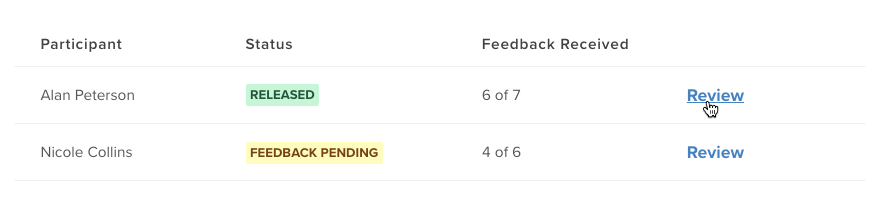
3 View the results. To open a participant’s Standalone 360 Assessment results, click Review next to their name.
Torch tip: Need some guidance on discussing the results with the participant? We’ve got you covered! Check out our tips for debriefing Standalone 360 Assessment results.