
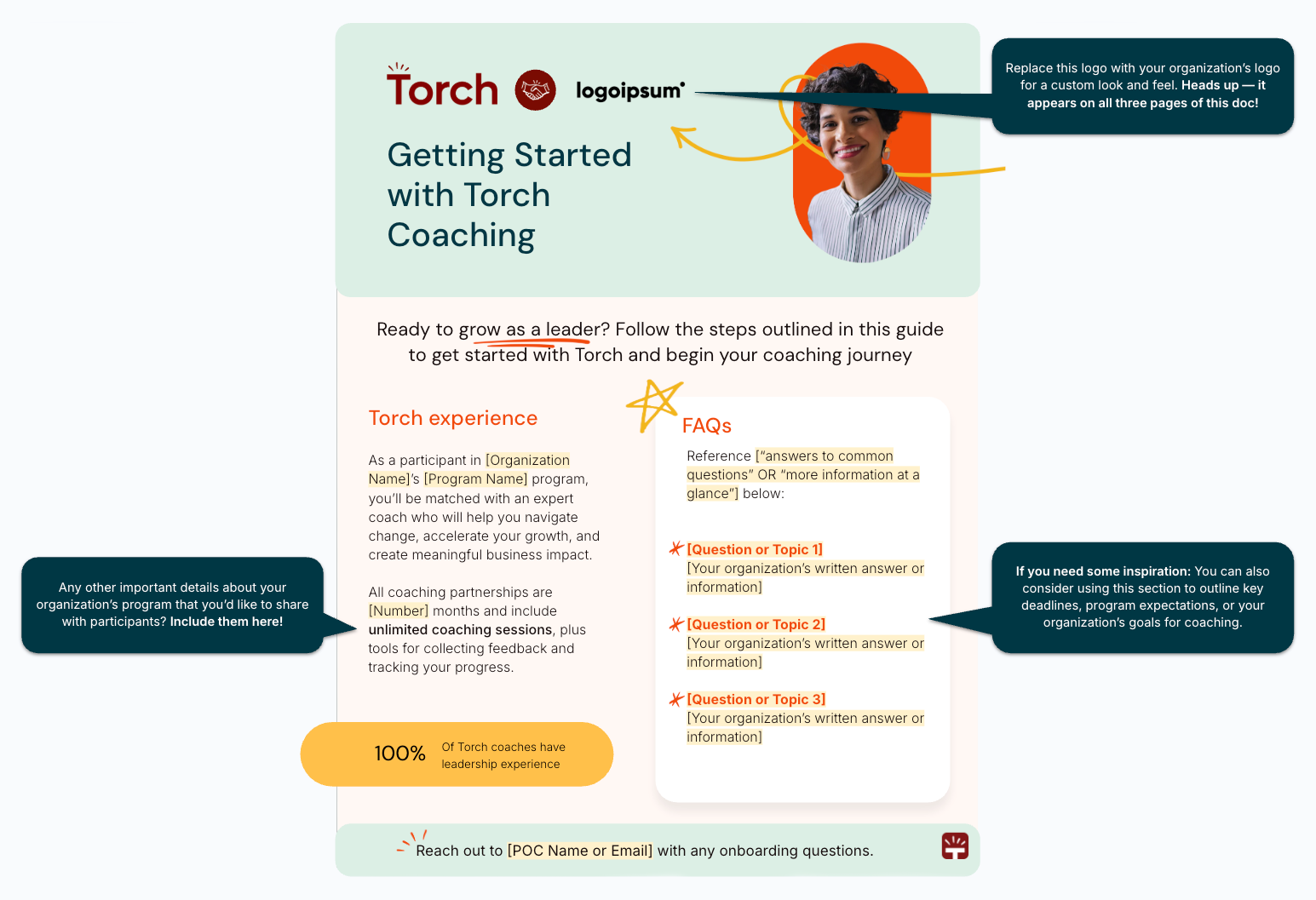
Have important details about your organization’s coaching program that you’d like to share with participants? Below you can access a customizable “Getting Started” guide designed to walk your participants through the first steps they’ll need to take to begin their Torch coaching journey.
Note: Access to a Google account is required to view and edit the template.
-
Open the “Getting Started with Torch Coaching” template. You’ll be prompted to sign in to your Google account, if you aren’t already.
-
Under “Would you like to make a copy of Getting Started with Torch Coaching?,” click Make a copy.
Note: Torch is not responsible for ensuring the document reflects the most up-to-date Torch platform and coaching program onboarding information once you create a copy and customize the content for your organization. If you don’t want to be responsible for future content updates, share our standard Getting Started with Torch Coaching quick-start guide with participants instead.
-
Rename the document with your desired title, then you’re all set to start customizing.
Replace the yellow highlighted text with the details specific to your program. For additional guidance, reference the callouts throughout the document with suggestions for how to customize the content even further.
- When you’re done, download your masterpiece and share it with participants!