
From the Surveys report, you can export the results for specific surveys across all your Torch programs individually or in bulk, up to 10 at a time. Follow these instructions to learn how.

From the left-hand navigation, click Reports, then Surveys.

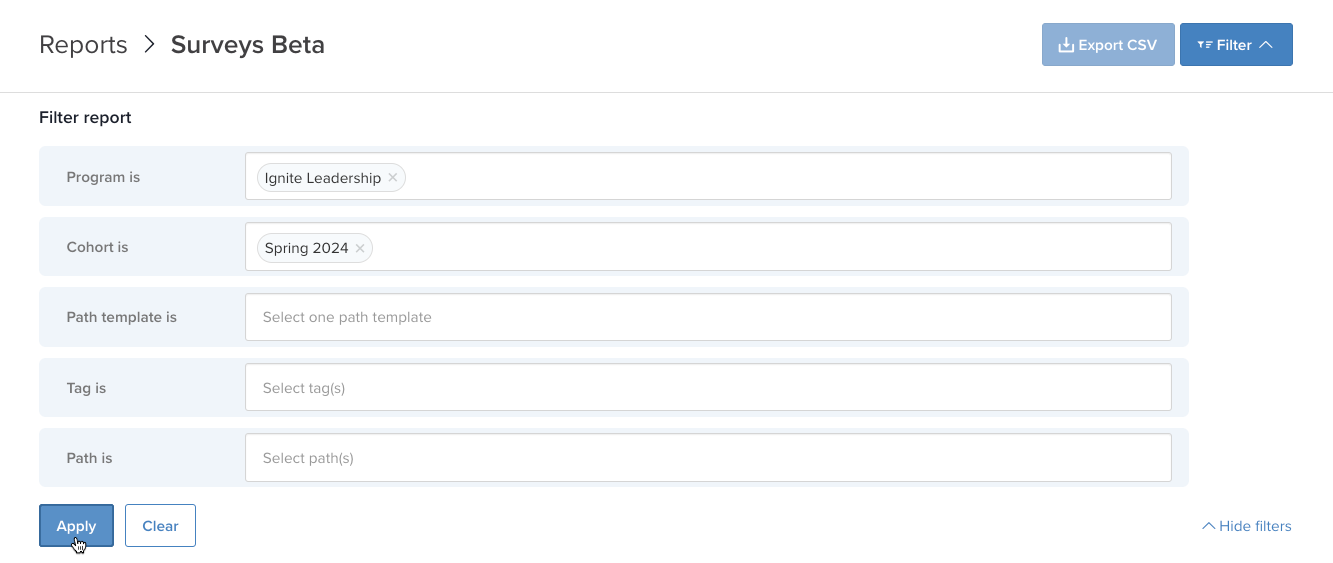
To narrow down the Surveys List, click Filter in the top-right. Select your desired filter options, then click Apply. As an example, you can use filters to view surveys for only a specific program and cohort.

Check the box to the left of the surveys you want to export the results for, or check the box at the top of the Surveys List to select all.
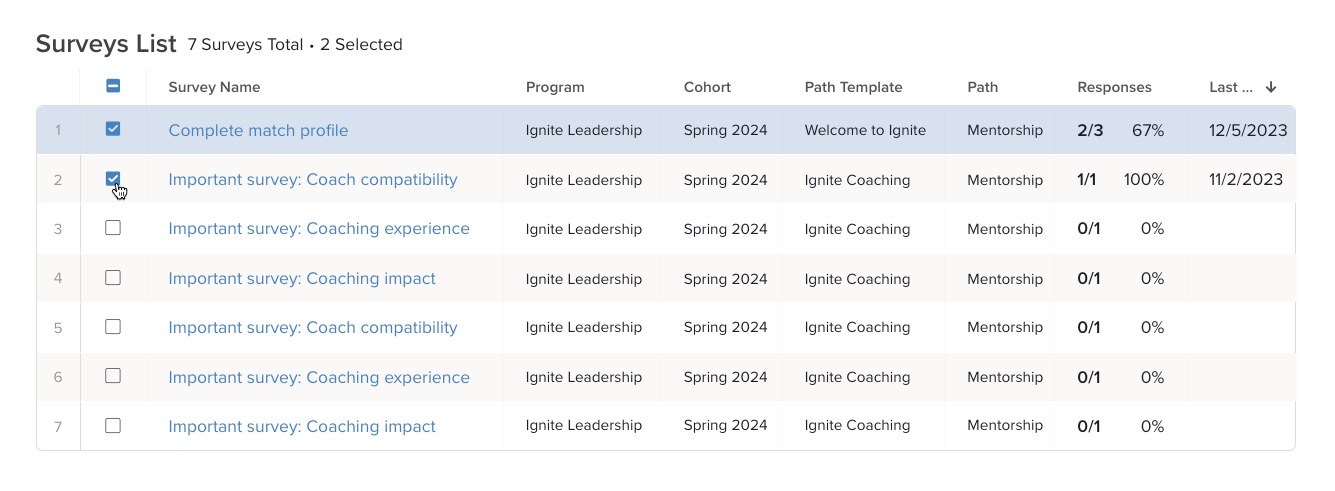
NOTE: You can export a max of 10 surveys at a time. If there are more than 10 surveys on your list, the select all box will be grayed out and you’ll be required to individually select the surveys you want to export, up to 10 at a time. |
Click Export CSV at the top-right of the page. The selected survey results will download automatically in a single file.