Forgot your password, or want to set a new one? Follow these steps to reset your password.

Go to app.torch.io.

If you’re prompted for an email address but not a password, enter your email address and click Continue.
Click Forgot password?.

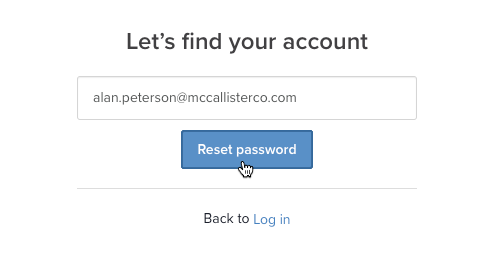
Enter the email address associated with your Torch account, then click Reset password.

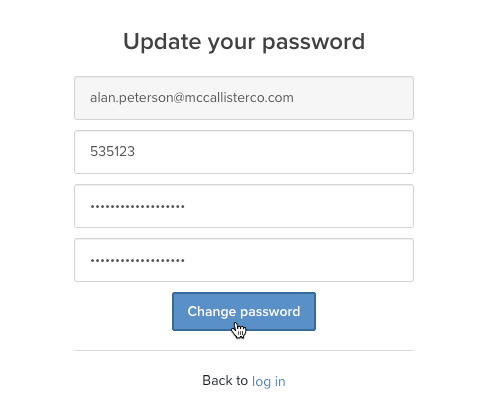
You’ll receive an email with a six-digit verification code. Read it, then return to the Torch “Update your password” page and enter the code and your new password. Your new password must have a minimum of 8 characters and contain at least one uppercase letter, one lowercase letter, and one number.
When you’re done, click Change password to complete the reset.