
When you deactivate your Torch account, you will no longer be able to log in to the platform, receive emails from the platform, or view your past partnerships or learning programs. If you’d still like to proceed, follow these steps to deactivate your account.

Hover your cursor over the user profile icon in the top-right, then click Settings.

The Calendar tab opens by default. Click the rightmost tab, Account.

At the bottom of the page, click Deactivate account.
Choose the reason why you are leaving and provide optional feedback, if desired.
Then click Deactivate my account to confirm.
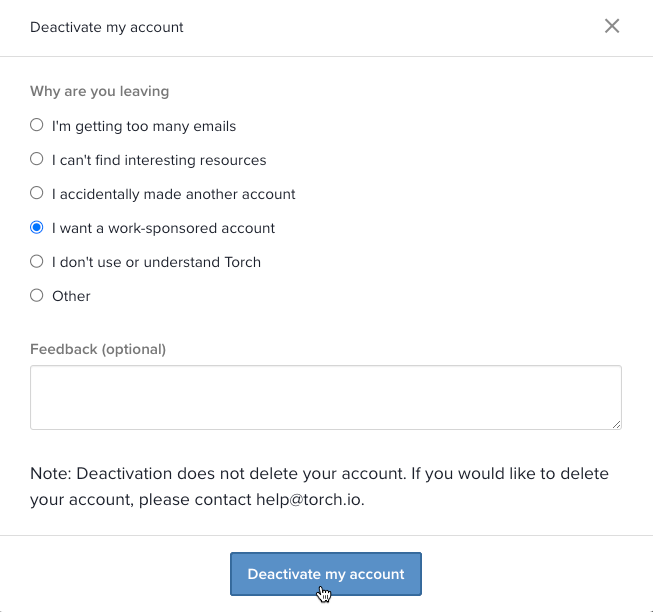
NOTE: Deactivation does not delete your account. If you would like to delete your account, submit a support request.