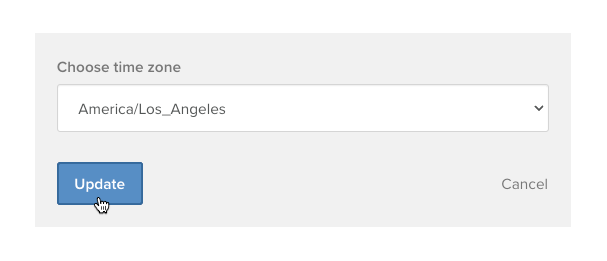
Your selected time zone within the Torch platform impacts meeting scheduling and available meeting time slots, so it’s important to get right. Follow these steps to change your time zone.

Hover your cursor over the user profile icon in the top-right, then click Settings.

The Calendar tab opens by default. Click the rightmost tab, Account.

In the Time zone section, click Edit.
Select a time zone from the dropdown, then click Update.